
Automatic step capture
Records clicks, text inputs, page navigation, and scrolling as human-readable reproduction steps.
Chrome Extension for QA and Dev Teams
BugMe captures clicks, inputs, navigation, screenshots, console output, and network activity while you reproduce an issue, then submits a fully documented Azure DevOps Bug work item.
Most bug tickets miss context, skip steps, or leave out technical evidence. BugMe fixes that by observing the entire repro journey in the browser and packaging everything your team needs to triage quickly.
Records clicks, text inputs, page navigation, and scrolling as human-readable reproduction steps.
Capture timestamped screenshots during the session and attach them directly to the bug work item.
Collects browser console messages plus request status and timing, with failures clearly highlighted.
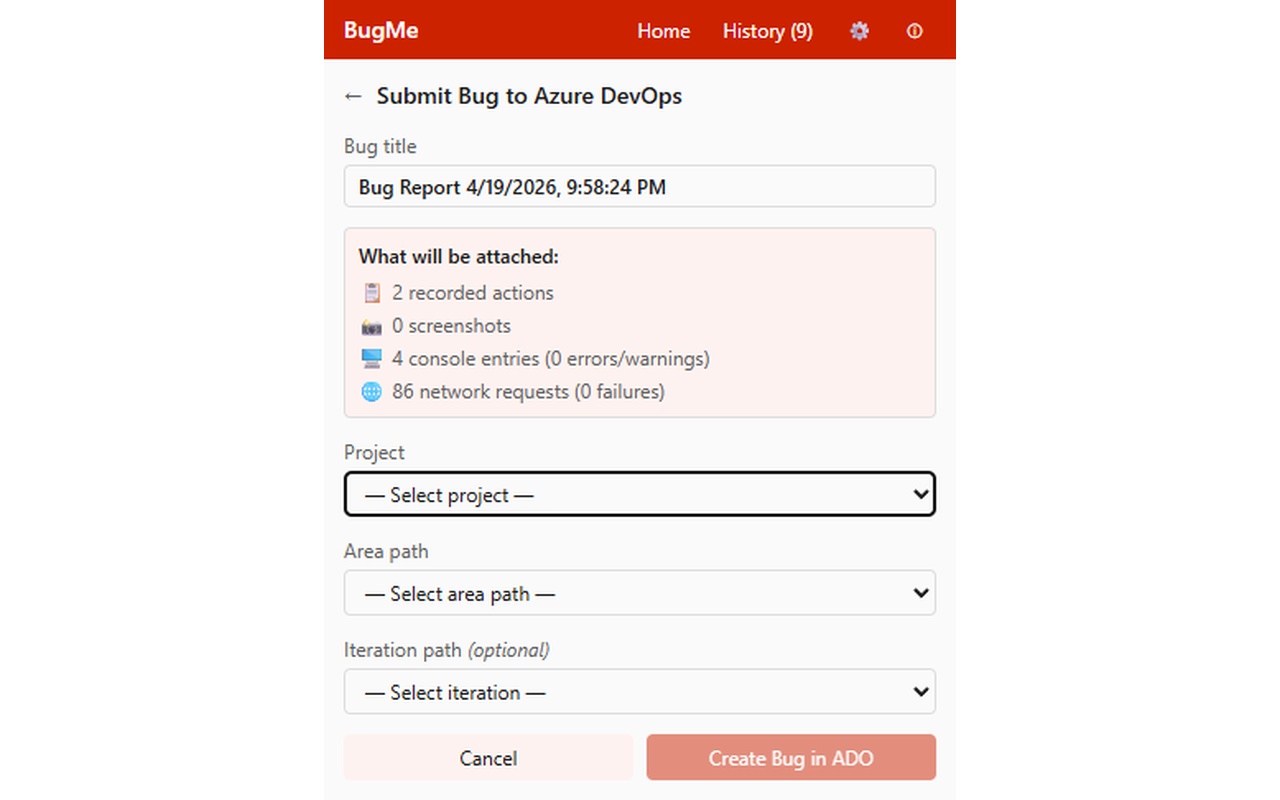
Creates a Bug with title, repro steps, environment details, attachments, and diagnostic comment in one flow.
Pause capture during sensitive moments, then continue without losing your session progress.
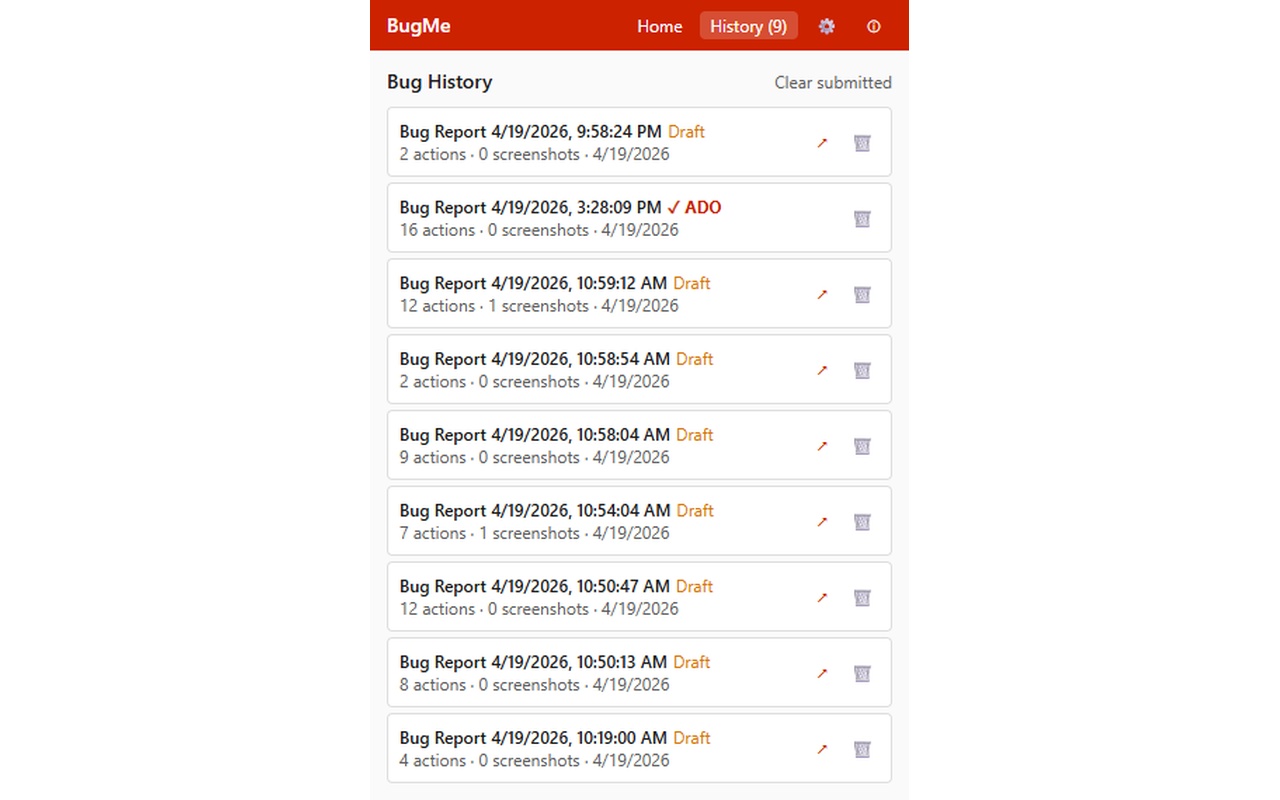
Review previous captures, re-submit unresolved issues, or clean up completed reports from history.
A quick preview of the capture workflow, diagnostics visibility, and submission experience.
Tip: click any screenshot to view it larger.
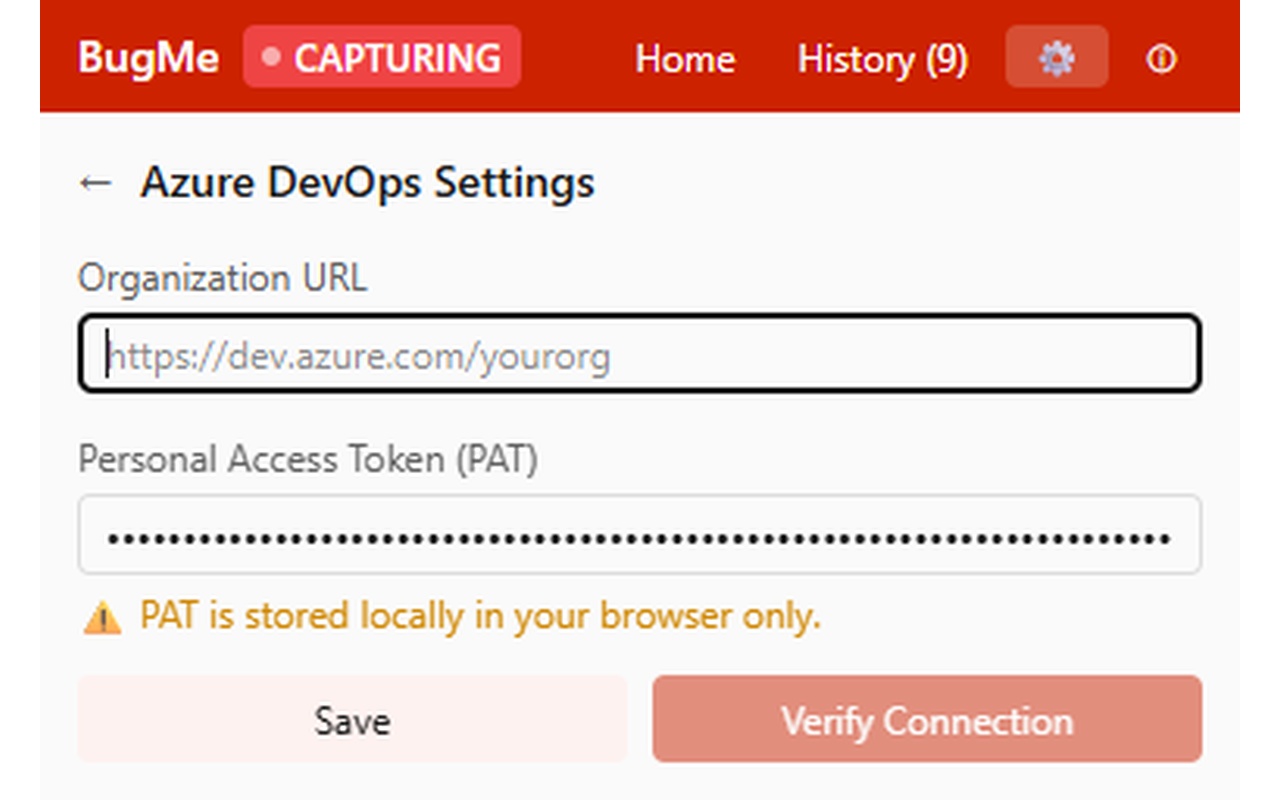
Open BugMe and begin recording, or use Alt+Shift+R from any active tab.
Perform the bug flow while BugMe logs actions and optional screenshots in the background.
End the session to review action count, screenshot count, and diagnostics before submission.
Select project and paths, submit once, and share the generated work item URL immediately.
Install BugMe, connect your Azure DevOps workspace, and turn bug reproduction into structured evidence.
Install BugMe